
Functions Added to “LUMIX Lab”
The following functions have been added to “LUMIX Lab”:

Editing My Photo Style
You can edit the My Photo Style on your camera with “LUMIX Lab”.
Getting started:
 Connect the camera to a smartphone. (
 Connecting to a Smartphone (Bluetooth Connection), Connecting to a Smartphone (USB Connection))
On the smartphone, start up “LUMIX Lab”.
-
Select [Edit MY PHOTO STYLE] in the [Camera] screen.
If the connection is via Bluetooth, connect to the camera via Wi-Fi. Select [Join] to start the connection.
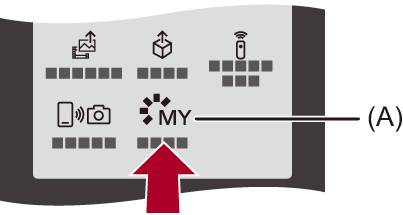
(A) [Edit MY PHOTO STYLE]
-
Select My Photo Style in the [Edit MY PHOTO STYLE] screen and edit it.
You can change the name, select the Photo Style to use as the base, and adjust the image quality.
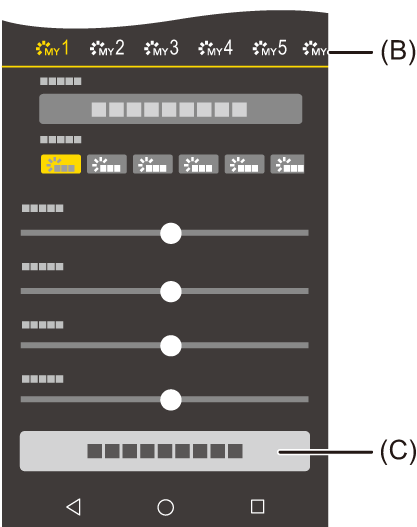
(B) My Photo Style
(C) [Save MY PHOTO STYLE]
-
Select [Save MY PHOTO STYLE] and register in the camera's My Photo Style.
|
– [iA] mode |
