
[REAL TIME LUT] Function Has Been Enhanced
In the LUT selection screen displayed after pressing [LUT], it is now possible to switch with image quality adjustment and the Photo Style screen.
 Also read “[REAL TIME LUT]”. (
 [REAL TIME LUT])
Press [LUT] to display the LUT selection screen.
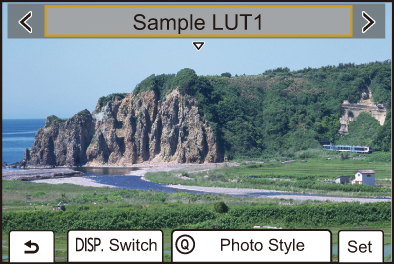
 If you press
  , you can adjust image quality. (Adjusting Image Quality)
– Select the settings by pressing  , adjust with
 , and press
  .
.
– Adjusted items are indicated with [ ].
].
Press [Q] to switch to the Photo Style screen. ([Photo Style])