
[Aspect Ratio]





You can select the image aspect ratio.
-
Set to [
 ] mode.

-
Set [Aspect Ratio].


 [
[ ] [
] [ ] [Aspect Ratio]
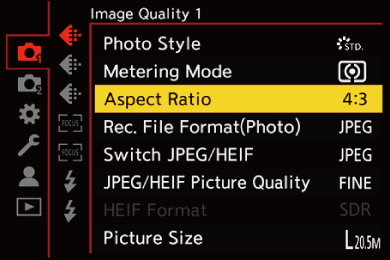
[4:3]
Aspect ratio of a 4:3 monitor
[3:2]
Aspect ratio of a standard film camera
[16:9]
Aspect ratio of a 16:9 TV
[1:1]
Square aspect ratio
|
|

 A frame for trimming (cropping) can be displayed on the recording screen: