
Quick Menu
This menu enables you to quickly set functions that are frequently used during recording without calling up the menu screen. You can also change the Quick menu display method and the items to display.
-
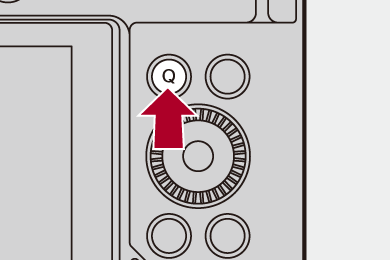
Display the Quick menu.
 Press [Q].
-
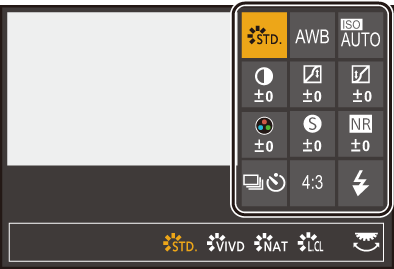
Select a menu item.
Press 


 .
.
Selection is also possible by rotating  .
.
Selection is also possible by touching a menu item.
-
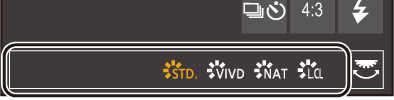
Select a setting item.
Rotate  .
.
Selection is also possible by touching a setting item.
-
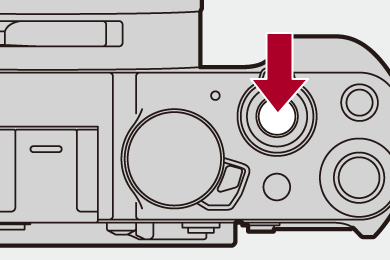
Close the Quick menu.
Press the shutter button halfway.
You can also close the menu by pressing [Q].
|
|

 Some items cannot be set depending on the recording mode or camera settings.
