
显示标记
 显示中央标记
可显示中央标记。
-
在[视频输出/LCD/VF]菜单
 [标识] [中心标识]中选择中央标记类型。
|
[1] |
[2] |
|
|
|
|
|
|
[3] |
[4] |
|
|
|
|
|
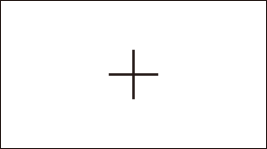
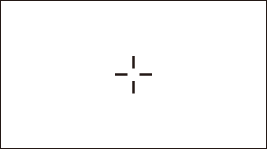
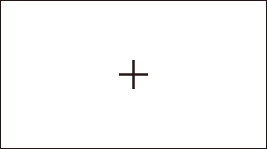
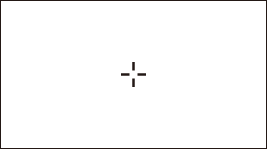
 选定[关]后,不显示中央标记。
显示安全区标记
可显示安全区标记。
-
在[视频输出/LCD/VF]菜单
[标识] [安全框标识]中选择帧的类型。
|
[1] |
[2] |
|
|
|
|
|
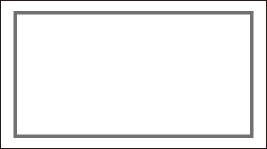
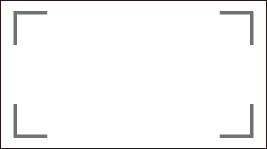
选定[关]后,不显示安全区标记。
显示帧标记
可显示帧标记。
-
在[视频输出/LCD/VF]菜单
[标识] [长宽比对应框]中选择视角。
|
[4:3] |
[13:9] |
[14:9] |
|
|
|
|
|
[16:9] |
[17:9] |
[1.85:1] |
|
|
|
|
|
[2.35:1] |
|
|
|
|
|
|
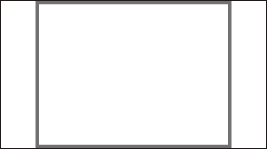
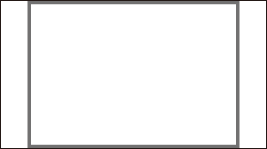
选定[关]后,不显示帧标记。
|
|