
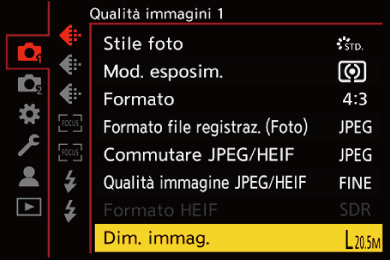
[Dim. immag.]





Imposta la dimensione dell'immagine della foto.
-
Impostare sulla modalità [
 ].
].

-
Impostare [Dim. immag.].


 [
[ ] [
] [ ] [Dim. immag.]
|
[Formato] |
[Dim. immag.] |
|
|
[4:3] |
[L] (20,5M) |
5200×3904 |
|
[M] (10,5M) |
3744×2808 |
|
|
[S] (5M) |
2624×1968 |
|
|
[XS] (3M) |
1920×1440 |
|
|
[3:2] |
[L] (19,5M) |
5408×3608 |
|
[M] (10M) |
3888×2592 |
|
|
[S] (5M) |
2736×1824 |
|
|
[XS] (2,5M) |
1920×1280 |
|
|
[16:9] |
[L] (18M) |
5664×3192 |
|
[M] (9,5M) |
4096×2304 |
|
|
[S] (4,5M) |
2832×1592 |
|
|
[XS] (2M) |
1920×1080 |
|
|
[1:1] |
[L] (15M) |
3904×3904 |
|
[M] (8M) |
2816×2816 |
|
|
[S] (4M) |
1968×1968 |
|
|
[XS] (2M) |
1440×1440 |
|
 Quando è impostato [Zoom di ritaglio (Foto)], sulle dimensioni delle immagini viene visualizzata l’indicazione [Cr].
|
– [RAW] ([Formato file registraz. (Foto)]) – [Esposizione Multipla] |
